Buying Guide
The best replacement ac adapters are selected by electrical and physical compatibility first. A replacement can look similar to the original while still being unsuitable if its output voltage, current limit, polarity, plug dimensions, or device-specific wiring differs. Use the label on the original adapter and the device’s input marking as the reference, then compare each specification in the order below.
Start with the output voltage
Voltage is the first hard match. The selected products cover 5V, 6V, 9V, 12V, 19.5V, and 48V designs, but those outputs are not interchangeable. Arkare is a 5V supply, MOONJESSI is a 6V supply for listed Omron monitors, and FOUCECLAUS is a 9V supply for Brother P-touch equipment. The 12V choices vary in capacity, while Yenyoh and Dell target laptop configurations at 19.5V. COOLM is intended for 48V equipment.
Do not substitute a higher or lower voltage simply because the plug fits. The adapter’s output should match the device requirement shown on the device label or original supply. A correct voltage match is more important than having a larger connector kit or a longer cord.
Match current capacity without confusing it with forced output
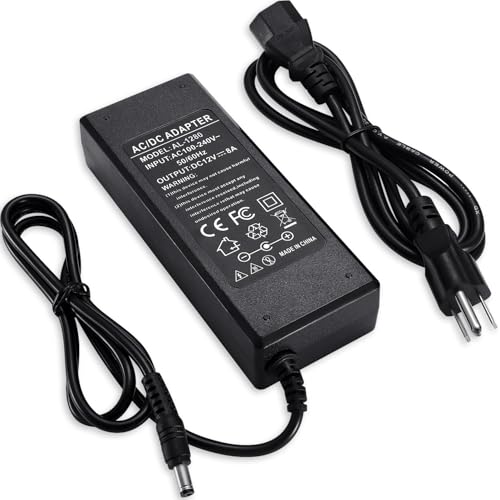
Current is expressed in amps or milliamps. A supply rated for a device’s required current or more is generally the relevant comparison, provided the voltage and connector also match. The listings describe Arkare at 1A, SoulBay at 1A, LitStar at 2A, Facmogu at 3A, and TOBWOLF at 8A. The device should remain within the selected adapter’s documented maximum.
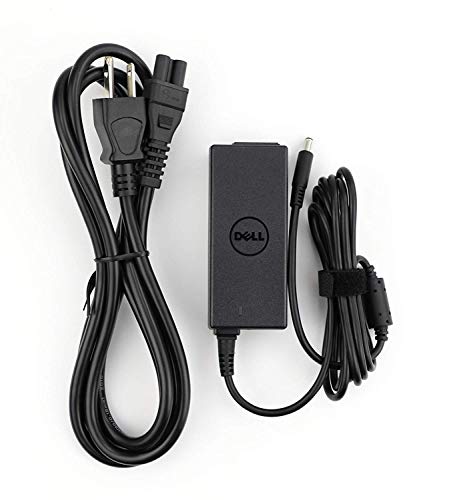
Specialty products use different configurations. Dell lists 19.5V and 2.31A for 45W, while Yenyoh documents 19.5V at either 2.31A or 3.33A for 45W and 65W systems. FOUCECLAUS lists 9V and 1.6A. Compare the original adapter’s current requirement rather than relying on a device family name alone.
Verify connector size and polarity
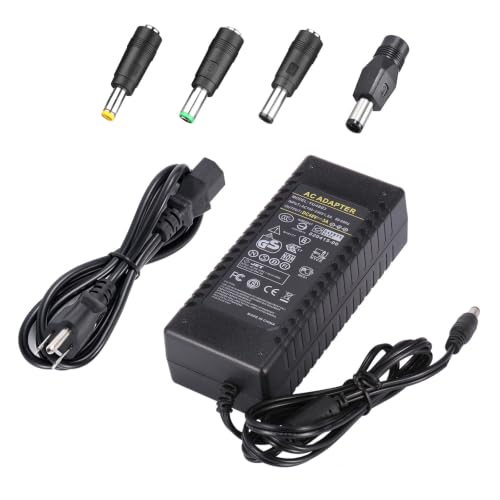
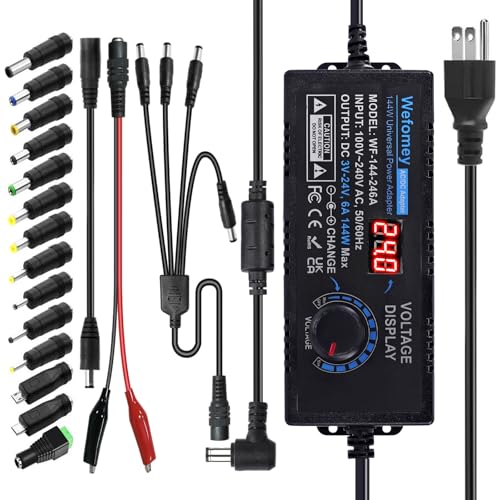
Barrel connectors require more than an approximate visual match. Check the outside diameter, inside diameter, and polarity. SoulBay lists center-positive polarity and eight interchangeable tips; LitStar also supplies eight tips for its 12V design. Arkare adds barrel tips along with Micro-USB, Type-C, and a terminal connector. These kits can cover more configurations, but every tip must still fit securely and match the device.
Fixed-connector models may be preferable when the original part number is known. Dell identifies the 0KXTTW and LA45NM140 part numbers, MOONJESSI identifies a 4.0mm x 1.7mm center-positive plug, and Yenyoh identifies the 4.5mm x 3.0mm HP blue tip. COOLM lists a 5.5mm x 2.5mm interface and four tips. Confirm the connector before plugging in the adapter.
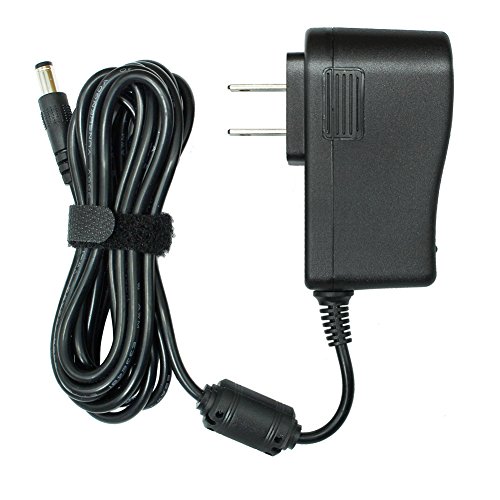
Every selected adapter documents a broad 100-240V AC input range, making them suitable for that stated mains range. Input compatibility does not remove the need to check the wall plug, cord arrangement, and the device’s own requirements. TOBWOLF specifies a three-prong US plug, while many of the smaller models use a direct adapter format or a supplied cord arrangement.
Cord length affects placement. FOUCECLAUS lists an 8.2-foot cord, Facmogu lists 6.7 feet, LitStar lists six feet, and Arkare lists 10 feet. MOONJESSI lists a shorter 3.2-foot cord. Choose based on the distance between the outlet and device, while avoiding unsupported assumptions about flexibility or durability.
Review documented protections and certifications
Protection language is useful when it is specific. Facmogu lists over-voltage, over-current, and over-temperature protection. TOBWOLF lists over-voltage, over-current, short-circuit, and over-temperature protection. COOLM lists overload, over-voltage, thermal, and short-circuit cutoffs. Arkare describes multiple safeguards against over-voltage, short circuit, and internal overheating.
Several specialty listings also state certification claims. SoulBay and FOUCECLAUS identify UL-related documentation, while COOLM identifies CE, FCC, and RoHS certifications. These statements are listing evidence, not a substitute for checking the electrical match. A certification claim cannot make an incorrect voltage or plug safe for a device.
Choose general-purpose or device-specific design
A multi-tip adapter is useful when the device uses a common low-voltage barrel connection and the required specifications are known. Arkare, LitStar, and SoulBay offer this design. Higher-capacity fixed or specialized models are more appropriate when the original specification is distinctive: TOBWOLF for a documented 12V 8A requirement, COOLM for 48V applications, and Yenyoh or Dell for specific laptop formats.
Device-specific options are also represented by MOONJESSI for Omron monitors and FOUCECLAUS for Brother P-touch label makers. Their narrower application lists can make the verification process more direct, but they should not be treated as universal adapters.
Final recommendation
Arkare 5V 1A Adapter with 8 Tips ranks first overall in this specification-based comparison under the published weighted criteria.
The final choice among the best replacement ac adapters depends on the documented features that match your intended use.
Arkare 5V 1A Adapter with 8 Tips is the highest-scoring returned product and the first overall specification-based choice. Its combination of a clearly stated 5V output, center-positive polarity, eight tips, 100-240V input, long cord, and documented protection makes it the most flexible option for compatible low-power electronics.
Among the top replacement ac adapters, LitStar is a strong 12V multi-tip alternative, while SoulBay is better aligned with low-current 12V equipment that needs strict compatibility guidance. Facmogu suits a 12V device drawing up to 3A, and TOBWOLF addresses a substantially higher 12V capacity. COOLM is the specialized pick for documented 48V applications.
For computers and named equipment, select the model whose part number and connector match rather than choosing by output capacity alone. Yenyoh covers the listed HP 4.5mm blue-tip laptop configurations, Dell targets its identified 45W part numbers, MOONJESSI is designed around Omron monitor families, and FOUCECLAUS covers the documented Brother P-touch models. In every case, compare voltage, current, polarity, connector, and input requirements before use.
Frequently Asked Questions
How do I choose the best replacement ac adapters for a device?
Read the original adapter or device label and record output voltage, current, polarity, connector dimensions, and input requirements. Then select a returned product that documents the same electrical values and a matching connector. Device-specific model numbers can provide an additional compatibility check.
Can a 12V adapter replace another 12V adapter?
Only when the current capacity, polarity, plug dimensions, and device application also match. For example, the selected 12V products range from 1A to 8A and use different connector arrangements. A shared voltage alone is not enough to establish compatibility.
Are interchangeable tips universal?
No. Interchangeable-tip kits expand the number of connector options, but each tip still has to fit the device and provide the correct polarity. Arkare, LitStar, and SoulBay document multiple tips, yet their output voltage and current limits remain specific to each adapter.
What is the difference between a general-purpose and device-specific adapter?
A general-purpose model offers a standard low-voltage output and several connector options. A device-specific model identifies equipment families or original part numbers, such as Dell, HP, Omron, or Brother. The latter can simplify matching but usually applies to a narrower set of devices.
Do the selected adapters work with any AC outlet?
All ten selected listings document 100-240V AC input, but outlet plug and cord arrangements still vary. Confirm the physical wall-plug format and follow the device and adapter specifications before connecting the supply.