Buying Guide
The best autofocus webcams should be judged by more than the presence of the word autofocus in a title. A useful comparison looks at how the focus system is described, what video modes are available, whether the microphone is documented, and how easily the camera can be positioned and covered when not in use. The models above were selected from distinct parent products and ranked from supplied specifications and feature descriptions.
Start with the video mode you actually need
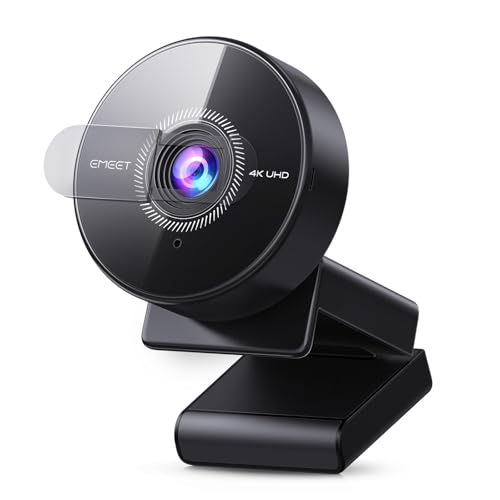
4K models offer more recorded detail and may provide extra flexibility when a compatible application supports that resolution. The NexiGo N960E Plus, NexiGo N680E Pro, EMEET S600, EMEET NOVA, NexiGo N660P Pro, EMEET C950, DEPSTECH DW49, Gohero webcam, and EMEET C960 all document 4K capability. Several also specify 1080p at 60 fps, including the N960E Plus, N680E Pro, S600, N660P Pro, and C950. That combination can make sense for streaming or motion-heavy presentations.
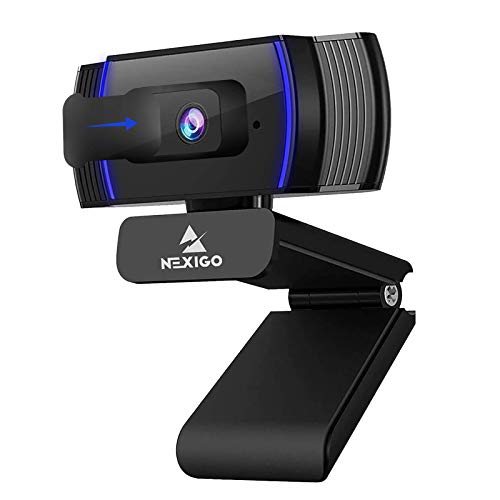
A 4K label does not by itself establish a complete image-performance result. The supplied listings identify resolution, sensors, autofocus, and in some cases automatic light correction, but they do not provide independent test measurements. If your calls are mainly standard office meetings, the 1080p NexiGo N930AF may still provide an appropriate specification balance. Its 30 fps limit is a clear trade-off, but its autofocus can be disabled for a fixed subject.
Compare autofocus technologies and focus range
PDAF appears on the NexiGo N680E Pro, EMEET S600, EMEET NOVA, EMEET C950, EMEET C960, and the Gohero model. PDAF stands for phase-detection autofocus, and the supplied descriptions position it as a fast and precise focusing approach. Gohero further specifies dual PDAF sensors.
The EMEET NOVA gives a 7.9-to-118-inch PDAF range, and the C950 lists a recommended range from 4 inches to 10 feet under natural lighting. DEPSTECH describes face tracking rather than naming PDAF or ToF. These distinctions matter if you regularly hold objects toward the camera, move during a presentation, or switch between your face and nearby materials. Still, the listings do not provide a standardized comparative focus test, so the ranking treats documented technology and range as evidence rather than proof of real-world speed.
Consider audio as a convenience feature
Every selected product lists a built-in microphone, but the descriptions differ in detail. The N680E Pro and N660P Pro specify dual noise-canceling microphones. The EMEET NOVA lists two microphones and gives an audio distance of up to eight feet, while the C950 lists an omnidirectional microphone with communication up to six feet. DEPSTECH uses dual microphones with digital noise filtering, and the Gohero model lists dual noise-reduction microphones.
These features can reduce the need for a separate microphone in ordinary calls, but they do not establish how a camera will sound in a particular room. Keyboard noise, distance, room reflections, and the conferencing application can all affect a call. Treat microphone processing as a documented convenience, not a substitute for a separately tested audio setup.
Check privacy and connection details
A physical cover or shutter is a useful design feature for a webcam that remains connected. Every selected product documents some form of physical privacy protection, including the N680E Pro’s built-in shutter, the N960E Plus’s physical cover, and the sliding or removable covers listed for other models. A cover blocks the lens mechanically when the camera is not in use; it does not replace sensible application and operating-system permissions.
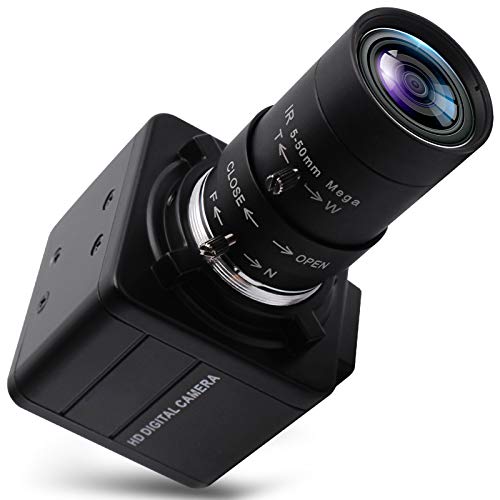
Plug-and-play setup is also common across this category. Most selections use USB-A, and the listings generally describe driver-free operation. That is convenient for desktops and many laptops, but newer computers may need an adapter. The N660P Pro, NOVA, DEPSTECH DW49, and N930AF document flexible mounting or tripod-related support. The EMEET NOVA specifically lists 360-degree horizontal rotation, 15-degree vertical adjustment, a 180-degree adjustable stand, and a quarter-inch tripod connection.
Match the field of view to your desk
A narrower field of view can keep a single speaker prominent, while a wider view can show more of a desk or small room. The EMEET C950 lists 70 degrees, the N680E Pro 80 degrees, the EMEET NOVA and C960 73 degrees, and Gohero 83 degrees. The N660P Pro also emphasizes its lens design and 360-degree swivel mount rather than relying only on a wide framing claim.
For one-person calls, a moderate FOV may be easier to frame without showing unnecessary background. For demonstrations, small group presentations, or a broader workspace, the Gohero’s documented 83-degree view may be more useful. The correct choice depends on camera distance and room layout; the supplied evidence does not establish a universal ideal angle.
Final recommendation
NexiGo N960E Plus 4K Webcam ranks first overall in this specification-based comparison under the published weighted criteria.
The NexiGo N960E Plus is the first overall specification-based choice among the best autofocus webcams in this comparison. Its ToF autofocus, 4K and 1080p 60 fps modes, ring light, remote, privacy cover, and microphones give it the broadest documented feature set. The top autofocus webcams also include the NexiGo N680E Pro and EMEET S600 for built-in lighting or creator-focused video, while the EMEET NOVA is a balanced choice for meetings and teaching. Choose the N930AF if 1080p is enough and manual-focus control matters more than 4K.
Frequently Asked Questions
What are the best autofocus webcams for streaming?
The NexiGo N960E Plus, NexiGo N680E Pro, and EMEET S600 are the most specification-aligned specification-based streaming options here. Each lists 4K video and 1080p at 60 fps, while the N960E Plus adds a remote and ring light, the N680E Pro adds a ring light and Sony sensor, and the S600 lists a Sony sensor with adjustable FOV.
Is 4K necessary for video meetings?
Not always. The selected 4K models provide more documented resolution, but meeting platforms, computer hardware, bandwidth, and the viewer’s display may limit the visible benefit. The NexiGo N930AF’s 1080p output can be sufficient for routine calls, especially when simple setup and manual-focus control are priorities.
Which webcam has the widest documented field of view?
The Gohero 4K Webcam lists an 83-degree field of view, wider than the 80-degree N680E Pro and the 73-degree EMEET NOVA and C960. A wider view can include more of a workspace, but camera placement still determines how much background appears.
Do these webcams need special software?
The listings generally describe USB plug-and-play operation without drivers. Some products may offer optional software or on-screen controls, but basic camera use is documented as driver-free. Check the connection requirements of your computer because many selected cameras use USB-A.
Why choose a webcam with a physical privacy cover?
A physical cover blocks the lens when the camera is not in use. All ten selected models document a cover or shutter. It is a simple mechanical privacy measure, although users should still manage application permissions and disconnect the camera when appropriate.