Buying Guide
The best inkjet printers with scanners are multifunction devices, but their designs differ substantially. Some prioritize fast office documents, some use refillable tanks, and others add photo, wide-format, cloud, or paper-cutting features. Start by identifying the work you actually do: occasional household printing, recurring forms and reports, frequent scanning, or specialty media projects.
Match the printer to your workload
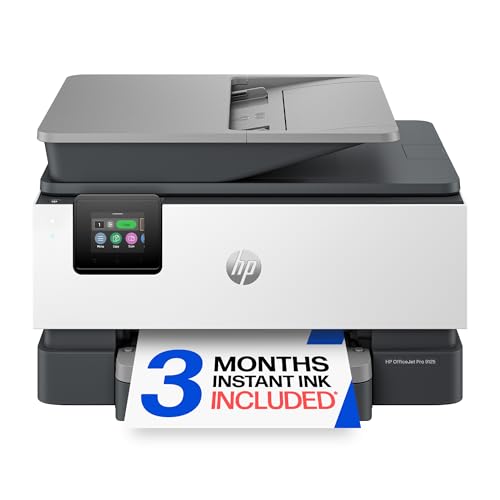
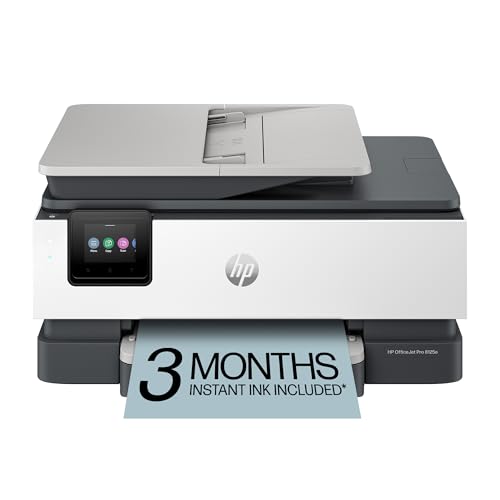
For a busy desk, the HP OfficeJet Pro 9125 and HP OfficeJet Pro 8125e document office-oriented feature sets. Both include printing, scanning, copying, faxing, an automatic document feeder, and automatic two-sided printing. The HP OfficeJet Pro 9125 lists speeds up to 22 ppm black and 18 ppm color, a 250-sheet tray, and duplex scanning. The HP OfficeJet Pro 8125e lists up to 20 ppm black and 10 ppm color with a 225-sheet tray.
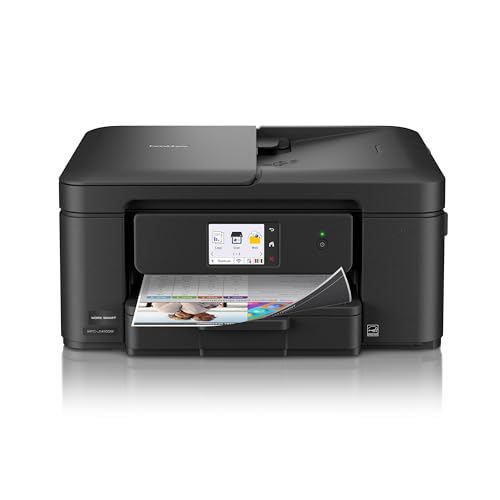
The Epson WorkForce Pro WF-3820 is another document-focused option. Its stated 21 ppm black and 11 ppm color ISO speeds, 250-sheet capacity, 35-page ADF, and automatic duplex printing suit recurring office paperwork. The Brother Work Smart MFC-J1410DW is more compact but still includes a 150-sheet tray, 20-sheet ADF, duplex printing, a touchscreen, and cloud connections.
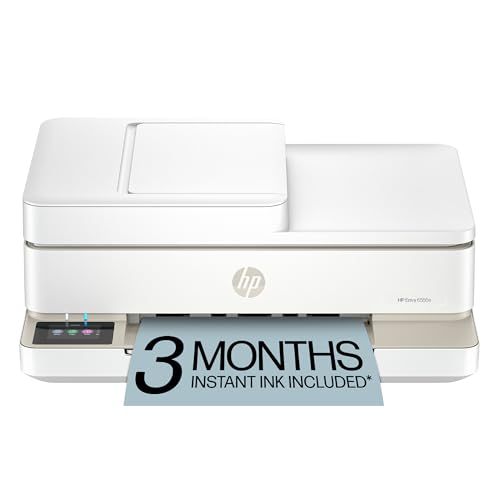
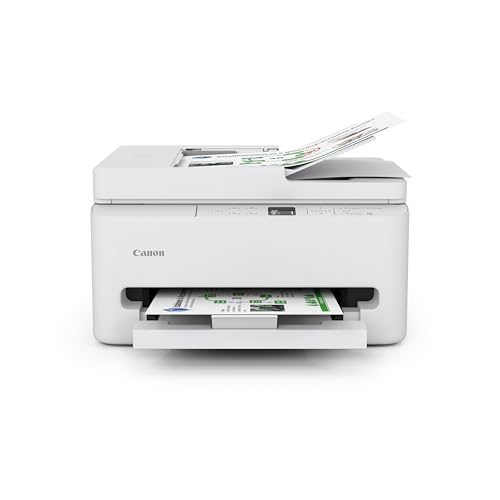
For lighter home use, the HP Envy 6555e and Canon PIXMA TR7120 emphasize everyday documents and photos. The HP Envy 6555e includes a 35-sheet ADF, while the Canon PIXMA TR7120 combines an ADF with a two-cartridge hybrid ink system and a compact design. An ADF is useful if you regularly scan or copy several pages; otherwise, a flatbed scanner may be sufficient for occasional documents and photos.
Choose cartridges or refillable tanks
Cartridge printers use a familiar replacement routine, while tank printers are designed around bottles and built-in reservoirs. The Epson EcoTank ET-4800 and Epson EcoTank ET-15000 use high-capacity ink tanks and Epson EcoFit bottles.
Tank designs can suit users whose print volume makes frequent cartridge changes inconvenient. The Epson EcoTank ET-4800 also includes a flatbed scanner, copier, fax, ADF, Ethernet, and wireless connectivity. The Epson EcoTank ET-15000 adds output up to 13 by 19 inches and a stated 33000-page monthly duty cycle. Those features make the ET-15000 relevant to users who need more than standard letter-size output.
Cartridge-based models may suit occasional printing or users who prefer a conventional consumable system. The Epson WorkForce Pro WF-3820 specifically states that it is designed for Epson Genuine Cartridges, and the Canon PIXMA TR7120 uses a two-cartridge hybrid system. Review supply requirements before choosing a printer based only on its purchase format.
Check scanning and paper handling
A scanner is not the same as a complete document workflow. A flatbed is useful for single sheets, books, and photos, while an ADF is convenient for multi-page documents. Duplex scanning is helpful when both sides need to be captured without manually turning pages. In this group, the HP OfficeJet Pro 9125 explicitly documents automatic two-sided scanning.
Tray capacity also matters. The HP OfficeJet Pro 9125, Epson WorkForce Pro WF-3820, and HP OfficeJet Pro 8125e list 250, 250, and 225 sheets respectively. The Canon PIXMA TR8620a lists a combined 200-sheet capacity through a cassette and rear feed. Smaller trays can suit occasional household printing, but larger capacities reduce refilling during office work.
For unusual paper handling, the Brother MFC-J1800DW is the specialist choice. Its automatic cutter can divide letter-size paper into half-letter sheets for invitations, labels, and business materials. This is a specialized capability and may not be useful if you print only standard pages.
Consider connectivity and controls
Wireless printing is common across the selected models, but control options vary. The HP OfficeJet Pro 9125 has a 2.7-inch color touchscreen, the HP Envy 6555e has a 2.4-inch color touchscreen, and the Brother Work Smart MFC-J1410DW also lists a 2.7-inch color touchscreen. Touch controls can be useful when copying or scanning directly from the printer.
The Brother Work Smart MFC-J1410DW stands out for listed cloud connections, including Google Drive, Dropbox, Box, and OneDrive. The Canon PIXMA TR8620a adds AirPrint, Android support, and a Micro SD slot. Ethernet is documented on both Epson EcoTank models in this comparison, which can be useful for a fixed home-office network.
Account for size and workspace
Measure available depth and width before buying. The Epson EcoTank ET-15000 is the largest listed model, with dimensions of 29.6 inches long and 19.6 inches wide. The Epson EcoTank ET-4800 is smaller at 14.8 inches wide and 11.8 inches long. Compact does not always mean feature-light: the Canon PIXMA TR7120 still includes an ADF, duplex printing, and dual-band Wi-Fi.
Also consider access to paper feeds, scanner lids, and ink reservoirs. A printer that fits on a shelf may be awkward to use if the lid cannot open fully or the rear feed is blocked. Leave enough room to remove printed pages and connect cables.
Compare practical trade-offs
The selected models are not interchangeable. The HP OfficeJet Pro 9125 emphasizes speed and office automation. The Epson EcoTank ET-15000 emphasizes tank capacity and wide-format output. The Brother MFC-J1800DW is aimed at users who need automatic paper cutting. The Canon PIXMA TR8620a combines document functions with photo-oriented features, while the Epson EcoTank ET-4800 focuses on refillable home-office printing.
When comparing the top inkjet printers with scanners, prioritize the feature that would otherwise create the most manual work. That may be duplex scanning, a larger tray, refillable ink, Ethernet, cloud access, or support for larger media. A lower-feature model can be the better fit if it matches your workload and available space.
Final recommendation
HP OfficeJet Pro 9125 ranks first overall in this specification-based comparison under the published weighted criteria.
The final choice among the best inkjet printers with scanners depends on the documented features that match your intended use.
HP OfficeJet Pro 9125 is the first overall specification-based choice in this comparison.
Among the top inkjet printers with scanners, the ranked products differ under documented multifunction workflow, print productivity, paper handling, connectivity and usability, ink system design, and format versatility. The HP OfficeJet Pro 9125 combines stated fast print speeds, duplex scanning, an ADF, faxing, a 250-sheet tray, touchscreen controls, and dual-band Wi-Fi, making it a strong fit for general office work.
Choose the Epson EcoTank ET-15000 if refillable tanks and output up to 13 by 19 inches matter more than a compact footprint. The Epson EcoTank ET-4800 is a smaller tank alternative with a flatbed scanner, ADF, fax, and Ethernet. For a home printer with photo and document duties, the Canon PIXMA TR8620a offers a broad feature set, including a memory-card slot and two paper-feed areas.
The Brother Work Smart MFC-J1410DW suits cloud-oriented workflows, while the HP Envy 6555e is designed for homes that need an ADF but not office-class speeds. The Brother MFC-J1800DW deserves consideration when its automatic cutter has a real role in your projects. These are specification-based recommendations rather than hands-on test results, so confirm current availability, consumable requirements, and setup terms before purchase.
Frequently Asked Questions
What should I look for in the best inkjet printers with scanners?
Look for the scanner type, ADF capacity, duplex scanning, print speed, paper-tray capacity, wireless or Ethernet connectivity, and ink system. If you scan multi-page documents, an ADF can save time. If you scan both sides, automatic duplex scanning is more convenient. Match paper formats and capacity to your regular work rather than choosing solely by headline features.
Are refillable ink tanks better than cartridges?
Neither design is universally better. Refillable tanks such as those on the Epson EcoTank ET-4800 and ET-15000 are intended for bottle refills and high-capacity use. Cartridge models may suit occasional printing or users who prefer a conventional replacement process. Compare expected print volume, available workspace, and documented supply requirements.
Do all of these printers scan both sides automatically?
No. The HP OfficeJet Pro 9125 explicitly lists automatic two-sided scanning. Other selected products document an ADF or automatic two-sided printing, but the supplied evidence does not establish automatic duplex scanning for every model. If two-sided scanning is essential, verify that feature before buying.
Which selected printer supports larger-than-letter output?
The Epson EcoTank ET-15000 documents printing up to 13 by 19 inches. The Canon PIXMA TR8620a, HP Envy 6555e, and Canon PIXMA TR7120 document photo or document features up to standard home-media sizes, but the supplied evidence does not give them the same 13-by-19-inch capability. Choose the ET-15000 when wide-format output is required.
Are the inkjet printers with scanners suitable for a small office?
Several are. The HP OfficeJet Pro 9125 and HP OfficeJet Pro 8125e include faxing, ADFs, duplex printing, and larger input trays. The Epson WorkForce Pro WF-3820 also lists a 250-sheet capacity and fast stated ISO speeds. For a small office, check scan volume, paper capacity, network setup, and ink system before selecting a model.