Buying Guide
The best nvidia quadro p520 laptops in this comparison are older professional mobile workstations and renewed configurations, so the right choice depends more on documented configuration than on a single headline specification. Every selected product includes an NVIDIA Quadro P520 in its title or feature evidence, but the listed graphics memory differs: the HP ZBook Firefly options specify 4GB, while the Dell Precision choices specify 2GB. The Lenovo listings identify the GPU but do not state its memory capacity.
This article does not claim a measured performance difference between these systems. Instead, use the documented memory figure as a comparison point and confirm application requirements before purchase. Professional graphics support can be useful for compatible design, modeling, visualization, and content workflows, but the supplied listings do not establish benchmark results or application certifications.
Match RAM to your workload
RAM is one of the clearest differences between the selected systems. The HP ZBook Firefly 15 G7 is listed with 64GB, the highest capacity here. HP also offers a 32GB ZBook Firefly 15 G7 and a 32GB ZBook Firefly 14 G7. Dell has several 32GB Precision 3550 listings, while the selected Lenovo configurations range from 16GB to 24GB.
A 16GB setup can be a reasonable baseline for general professional multitasking, but the listings provide no test data to indicate how a particular application will behave. Buyers working with many browser tabs, large project files, or several applications at once may prefer the 32GB or 64GB configurations on paper. The Lenovo 24GB model is a middle option when 32GB is unnecessary but 16GB feels restrictive.
Consider storage capacity and type
Storage ranges from 512GB to 2TB. Dell and Lenovo both have selected 2TB configurations, while HP provides 1TB in the selected ZBook models. The Dell Precision 3550 with 16GB RAM specifically lists a 2TB PCIe NVMe M.2 SSD, whereas the Dell 32GB 2TB listing confirms a 2TB SSD without the same detailed interface description. Lenovo’s 2TB option is described as m.2 SATA.
If local project files, media, or large software installations are important, a 1TB or 2TB listing gives more documented capacity than a 512GB model. Do not assume that similarly named configurations use the same drive interface: compare the individual listing details. Storage capacity also should not be treated as a performance test result, since the supplied evidence does not include transfer measurements.
The selected systems divide into 15.6-inch and 14-inch designs. Dell Precision 3550 and HP ZBook Firefly 15 G7 configurations use 15.6-inch FHD displays. The HP ZBook Firefly 14 G7 and Lenovo ThinkPad P14s models use 14-inch FHD displays. One Lenovo listing explicitly identifies a Full HD touchscreen; the other selected Lenovo configurations do not make that touchscreen claim.
A 15.6-inch screen may provide a larger physical workspace, while a 14-inch system may be easier to carry. Those are design considerations, not measured portability or productivity results. Dimensions are supplied for several models, but weights are not consistently available, so avoid assuming that every 14-inch configuration weighs less in its final shipped form.
Review ports and desk connectivity
Port evidence is most specification-aligned for the detailed Dell and HP listings. The Dell Precision 3550 evidence includes USB 3.2, HDMI, RJ-45, an audio jack, and, in one detailed configuration, USB-C with Thunderbolt. The HP ZBook Firefly 15 G7 lists USB-C with DisplayPort 1.2 and power delivery, while the HP ZBook Firefly 14 G7 lists USB-C with Thunderbolt and HDMI.
The Lenovo ThinkPad P14s listings identify Wi-Fi, Bluetooth, webcam, HDMI, USB 3.2, and an SD reader. Several also include a Dockztorm USB hub. These details may matter if you connect external displays, wired networking, storage, or peripherals. Check the exact listing because bundled accessories and port descriptions can vary by configuration.
Account for operating system and condition
Windows 11 Pro is listed on the selected Dell and HP configurations. The Lenovo ThinkPad P14s listings specify Windows 10 Pro. That difference may affect software compatibility, organizational requirements, or your preferred setup process. The evidence does not say whether a particular system can be upgraded, so verify the seller’s current operating-system details before ordering.
Many products here are renewed. Some listings describe certification, testing, cleaning, inspection, repackaging, included accessories, and a minimum 90-day warranty. Other listings identify a limited warranty, while one Lenovo configuration describes professional upgrading and a one-year manufacturer warranty from the named seller. Treat warranty language as listing-specific and inspect the final product page for coverage, accessories, and return conditions.
Final Recommendation
HP ZBook Firefly 15 G7, 64GB RAM, 1TB SSD ranks first overall in this specification-based comparison under the published weighted criteria.
The final choice among the best nvidia quadro p520 laptops depends on the documented features that match your intended use.
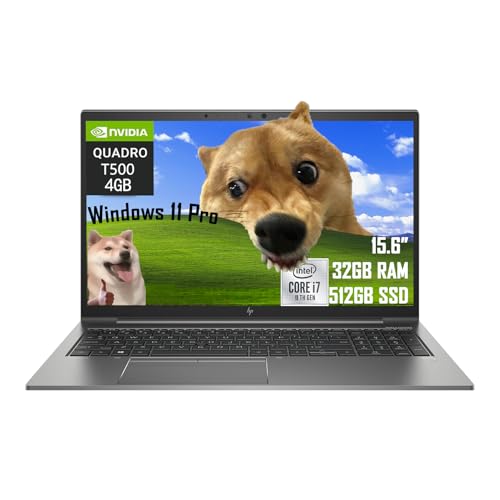
The HP ZBook Firefly 15 G7, 64GB RAM, 1TB SSD is the highest-scoring returned product and the first overall specification-based choice. It has the largest listed memory capacity, a 4GB Quadro P520, a 1TB SSD, a 15.6-inch FHD display, Windows 11 Pro, and Thunderbolt 3 ports. The HP ZBook Firefly 15 G7 with 32GB is a more moderate alternative, while the HP ZBook Firefly 14 G7 is the compact pick with 4GB graphics memory.
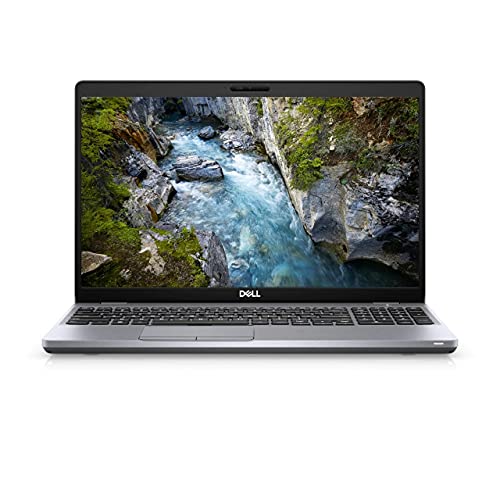
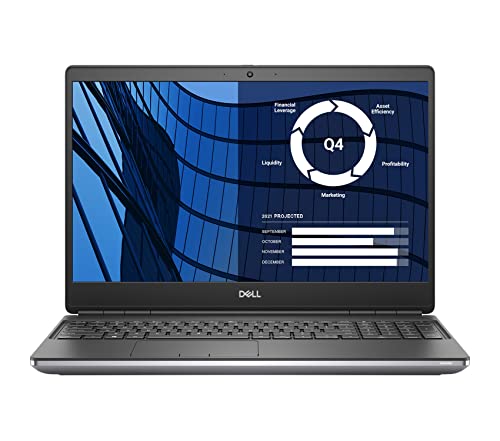
Among the top nvidia quadro p520 laptops, Dell’s Precision 3550 configurations are the most varied. Choose the 32GB and 2TB model when storage and memory both matter, or the detailed 16GB and 2TB NVMe version when port documentation is especially important. The 32GB and 512GB Dell configuration is another sensible memory-first option.
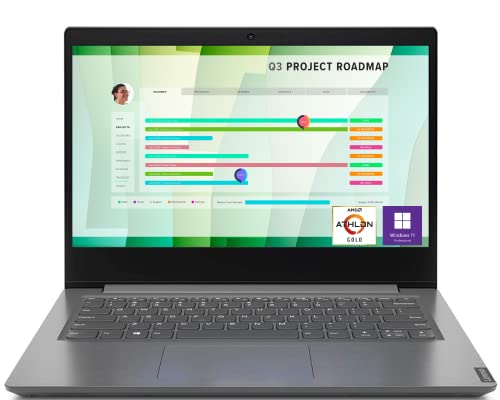
Lenovo’s ThinkPad P14s selections are worth considering when a 14-inch format is preferred. The 16GB, 2TB version emphasizes storage, the 24GB, 1TB model provides an intermediate memory tier, and the 16GB, 512GB version is the touchscreen choice. Since these are specification-based rankings, confirm exact GPU memory, drive interface, operating system, warranty, and refurbishment details on the current listing.
Frequently Asked Questions
Are all of these laptops genuine NVIDIA Quadro P520 workstations?
Yes. Each selected product independently identifies an NVIDIA Quadro P520 in its title or supplied feature evidence and is presented as a laptop or mobile workstation. The HP listings specify 4GB, the Dell listings specify 2GB, and the Lenovo listings name the GPU without stating its memory amount.
Which selected model has the most RAM?
The HP ZBook Firefly 15 G7 configuration with 64GB RAM has the highest documented system memory. The comparison also includes 32GB HP and Dell configurations, plus a Lenovo model with 24GB. RAM capacity alone does not establish application performance because no hands-on testing was supplied.
Which model is best for large local files?
The selected Dell Precision 3550 and Lenovo ThinkPad P14s configurations with 2TB SSDs provide the largest documented storage capacity. The Dell 16GB version specifically describes a PCIe NVMe M.2 SSD, while the Lenovo listing identifies an m.2 SATA description. Verify the exact drive specification before ordering.
Do any of the best nvidia quadro p520 laptops have a touchscreen?
The Lenovo ThinkPad P14s Gen 1 with 16GB RAM and 512GB SSD explicitly lists a 14-inch Full HD touchscreen. The other selected products do not provide touchscreen evidence in the supplied data, so do not assume touch support from a similar model name.
Should I choose a 14-inch or 15.6-inch workstation?
Choose among the 14-inch Lenovo ThinkPad P14s or HP ZBook Firefly 14 G7 listings when a smaller documented display format is more convenient. The 15.6-inch Dell Precision 3550 and HP ZBook Firefly 15 G7 configurations may offer a larger physical viewing area. The supplied evidence does not include comparative portability or battery testing, so use dimensions, weight where available, and your own workspace needs as the deciding factors.